 Open Zenith
Open Zenith · Free · runs on its own · no account
Forge Desktop
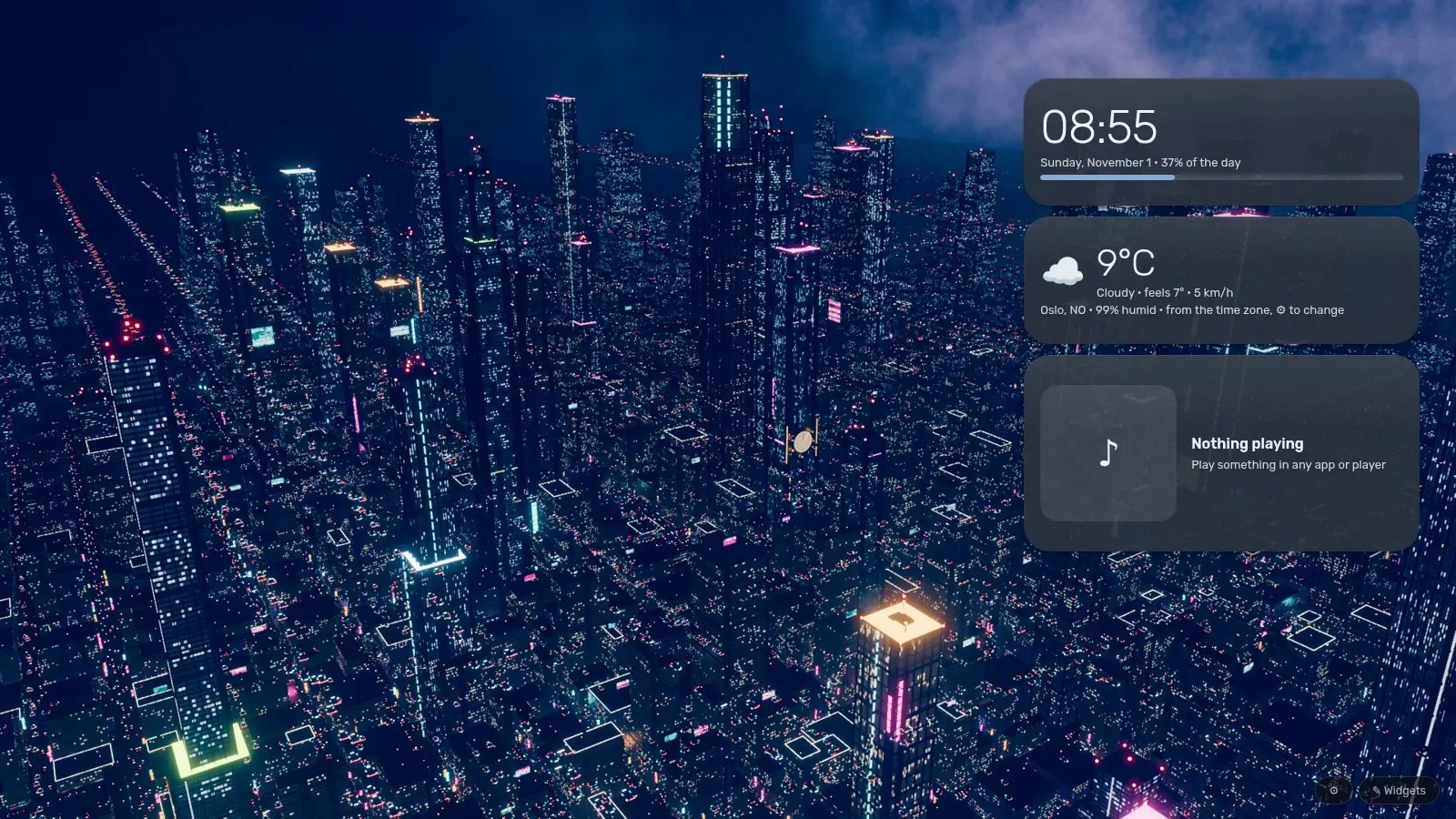
Your wallpaper, alive: drifting particles, a visualiser that moves with whatever you play, and small widgets that stay out of the way.
Forge Desktop draws on the desktop itself, behind your windows, so it stays out of the way of your work. It runs on its own; nothing else from Forge is needed. It is also part of Forge, which sets it up for you from Settings, Desktop extras.
Particles
Fireflies, snow, stars and more drift over your wallpaper, at the frame rate you pick, and rest while a window covers the desktop.
Music visualiser
Bars, a ring, waves, an aurora and more, moving with whatever your computer is playing. It reads the sound only while something draws; on a Mac it needs BlackHole, a free sound loopback.
Widgets
Clock, weather, system, music player, notes and the rest. Drag, resize, add and remove them with Edit widgets.
Light and local
No account and nothing sent anywhere; the weather widget is the one part that goes online. It starts when you log in, and one switch turns that off.
Get Forge Desktop
Available now · Windows, macOS and Linux
Forge Desktop 0.1.2
- Linux: GNOME 48 to 51 or Hyprlandforge-desktop-0.1.2-linux.tar.gz · 289 kBDownload
- Windows 10 and 11 (64-bit)forge-desktop-0.1.2-windows-x64.zip · 31.5 MBDownload
- macOS 11 or later, Apple siliconforge-desktop-0.1.2-macos-arm64.zip · 34.7 MBDownload
- macOS 11 or later, Intelforge-desktop-0.1.2-macos-x64.zip · 39.4 MBDownload
Downloads come from GitHub Releases.
Install
- Windows. Unzip it (right-click, Extract All) and double-click Install.cmd. It goes in your own folder, needs no administrator rights and opens its settings. Windows may say it protected your PC, since it is not signed yet: click More info, then Run anyway.
- macOS. Unzip it and drag Forge Desktop.app into Applications, then open it. It is not signed by Apple yet: the first time, open System Settings, Privacy & Security and choose Open Anyway.
- Linux. Unpack it and run sh install.sh in the unpacked folder (no sudo). On GNOME, log out and back in once; on Hyprland it prints the one line to add to hyprland.conf.
- Already using Forge? No second download: Forge offers it in Settings, Desktop extras, and sets it up for you.
More from Open Zenith
Available now
Forge
One window for many small apps that live on your own computer: files and storage, office work, creative tools, readers and research helpers.
Meet ForgeEarly alpha · free test build for Windows and Linux
Eighty Six
A physics-driven walker game made from scratch in Godot: drive a four-legged Juggernaut across real terrain and fight the Legion.
Meet Eighty Six